
Updated May 2026 — Originally published March 2018
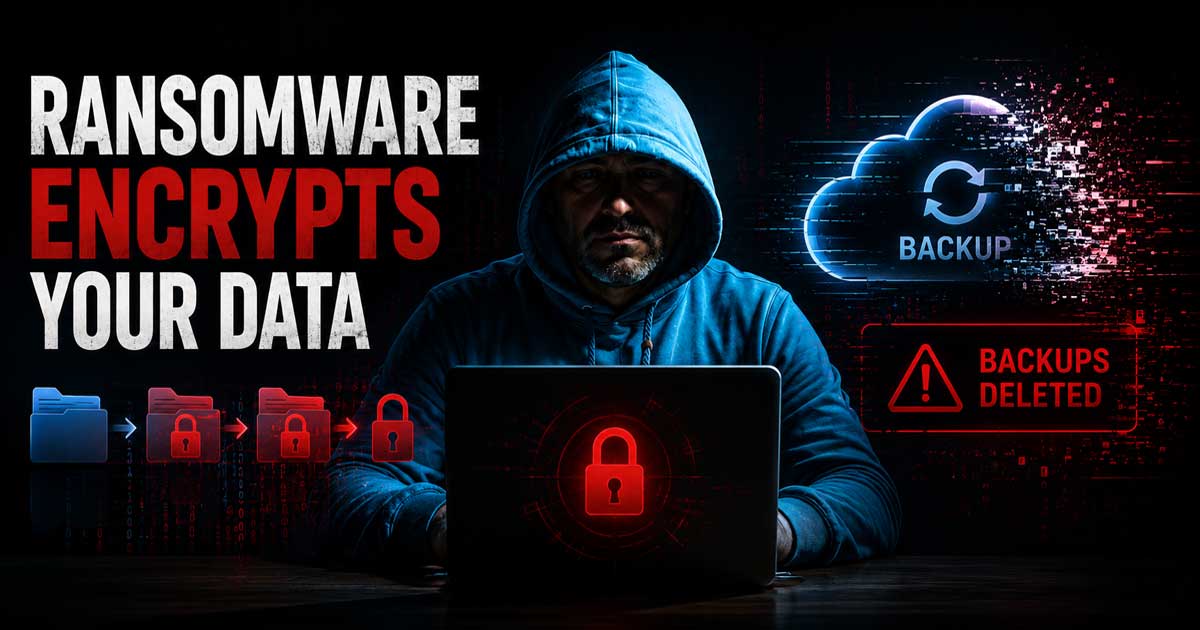
Back in 2018 a ransomware strain called Zenis was making the rounds. What made it particularly nasty was that it did not just encrypt your files — it went after your backups too. At the time it was a new level of aggressive for this kind of attack.
Eight years later ransomware is still very much a threat, and the scams that lead people into it have gotten a lot more convincing. This post has been updated to cover what you need to know to protect yourself today.
How People Get Hit
Most ransomware and identity theft scams do not start with sophisticated hacking. They start with someone clicking something they should not have. A link in an email that looks like it is from your bank. A popup warning that your computer is infected and you need to call a number immediately. A website that suddenly locks your browser and displays a full screen alert.
The goal is to either get you to install something or get you to hand over information. Once either of those happens the damage is done.
The Browser Lockup Scam
One of the most common scams right now involves a webpage that triggers a popup or a fullscreen alert designed to look like a Windows or Mac security warning. It will say something like your computer has been compromised, your data is being stolen, or your Microsoft license has been suspended. It often includes a phone number to call.
Do not call the number. This is not Microsoft. This is not Apple. This is not your bank.
What you are looking at is a browser tab or window that has been designed to be difficult to close. Here is how to get out of it.
On Windows press Ctrl + Alt + Delete and select Task Manager. Find your browser in the list and click End Task. Your browser will close and the scam page goes with it.
On a Mac press Command + Option + Escape to bring up Force Quit. Select your browser and click Force Quit.
When you reopen your browser it may ask if you want to restore your previous session. Do not restore it. Open a new tab instead.
Email and Text Scams
Phishing emails and texts have gotten much more convincing. They will use real company logos, familiar language, and urgency to get you to click a link or provide information quickly before you think it through.
A few things to keep in mind:
Your bank will not email you asking for your password or full account number. No legitimate company will ask for payment in gift cards. Package delivery notifications with links to track a shipment are frequently fake, especially if you were not expecting a delivery. IRS notices come by mail, not email or text.
When in doubt do not click the link. Go directly to the website by typing the address yourself or call the company using a number from their official site.
Basic Protection That Actually Helps
You do not need to be a tech expert to protect yourself. These steps cover most of the common attack routes.
Keep Windows and your applications updated. Most ransomware exploits known vulnerabilities that updates have already fixed. Staying current closes those doors.
Use a reputable antivirus. Malwarebytes is one we have recommended for years. It runs alongside your existing antivirus and is good at catching things that slip through. There is a free version that works well for manual scans.
Back up your files regularly. An external hard drive works. A cloud backup service works. Ideally both. Zenis was dangerous specifically because it deleted backups. If your backups are disconnected from your main machine when the attack hits, they survive.
Use strong unique passwords and turn on two factor authentication where it is available. If your email account gets compromised everything tied to that email is at risk.
Be skeptical of urgency. Scams are designed to make you act fast before you think. Legitimate companies give you time to verify.
If Something Does Happen
If you think your computer has been infected or you have handed over information to a scam, disconnect from the internet first. This limits what an attacker can do remotely. Then get help before trying to fix it yourself.
The team at PCITService.com handles exactly this kind of situation for home users and small businesses in Bucks and Montgomery Counties. If you are not local they can point you in the right direction.